 Pilotbase · free desktop database client
One client for every database you run.
SQL, NoSQL and vector databases in one native app. Replace pgAdmin, Compass, RedisInsight and vector DB dashboards with a single connection tree, a Monaco editor and an AI agent that understands your schema.
Windows · macOS · Linux · MIT licensed · v3.0.0-beta11 · GitHub
Download Pilotbase
Free desktop app
Supported databases
Articles · data tools
Read what's new. Try a data tool.
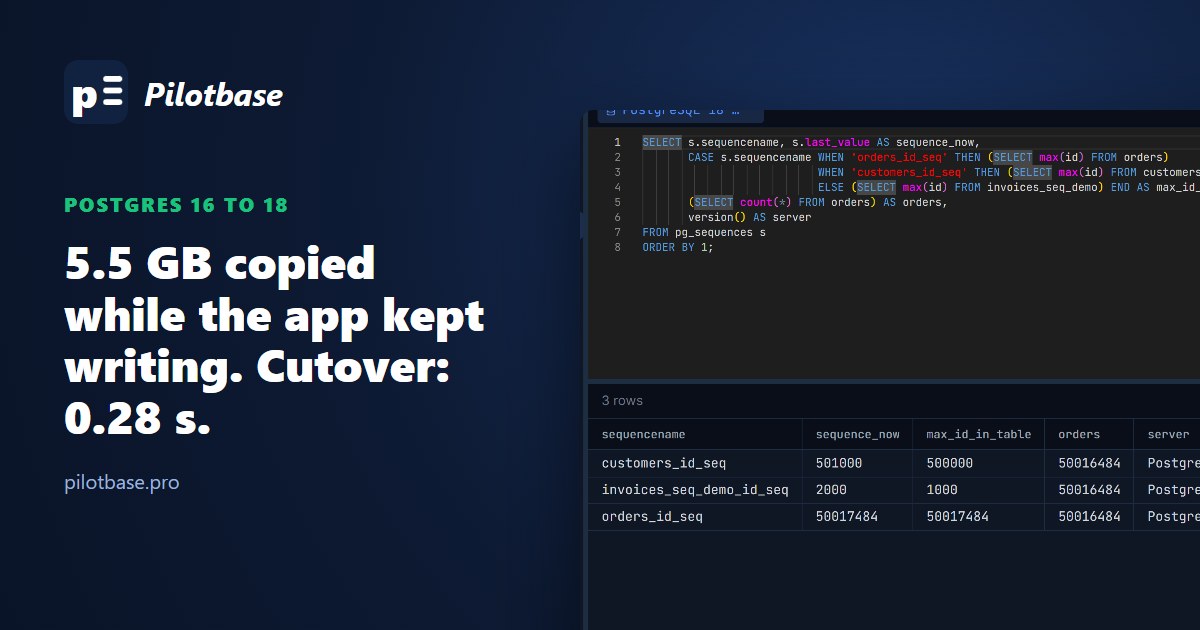
Migration
Upgrading Postgres 16 to 18 with logical replication: a 0.28-second cutover, measured against pg_upgrade and dump/restore
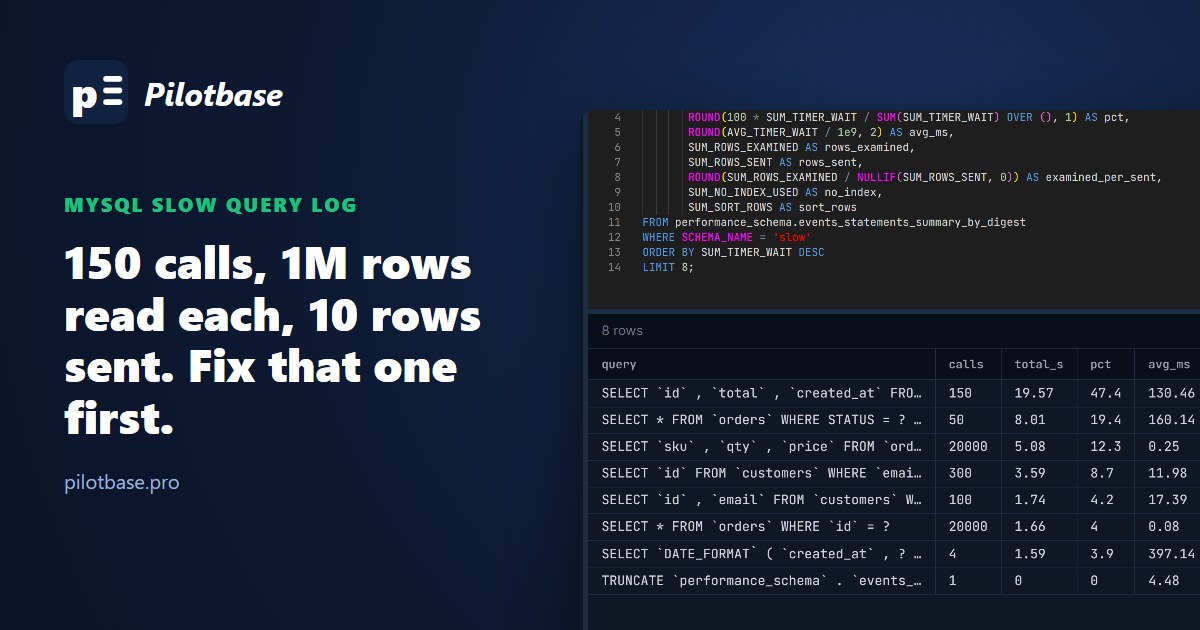
Performance
MySQL slow query log: find the queries worth fixing with pt-query-digest and performance_schema
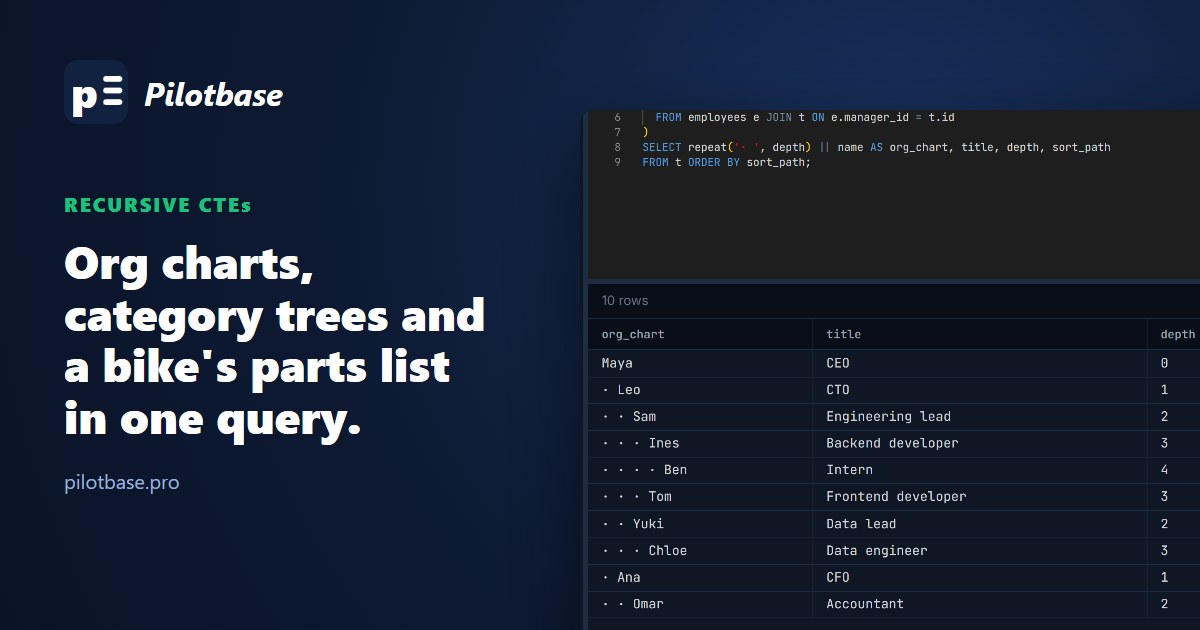
SQL
Recursive CTEs for trees: categories, org charts and bills of materials
Also from the makers of Pilotbase
Draw the system around your database.
Type the tiers and what talks to what, and get an architecture diagram with real PostgreSQL, Redis and cloud icons. Flowcharts, swimlanes and mind maps come from an outline the same way. Opens in the browser, no account needed.
Open the board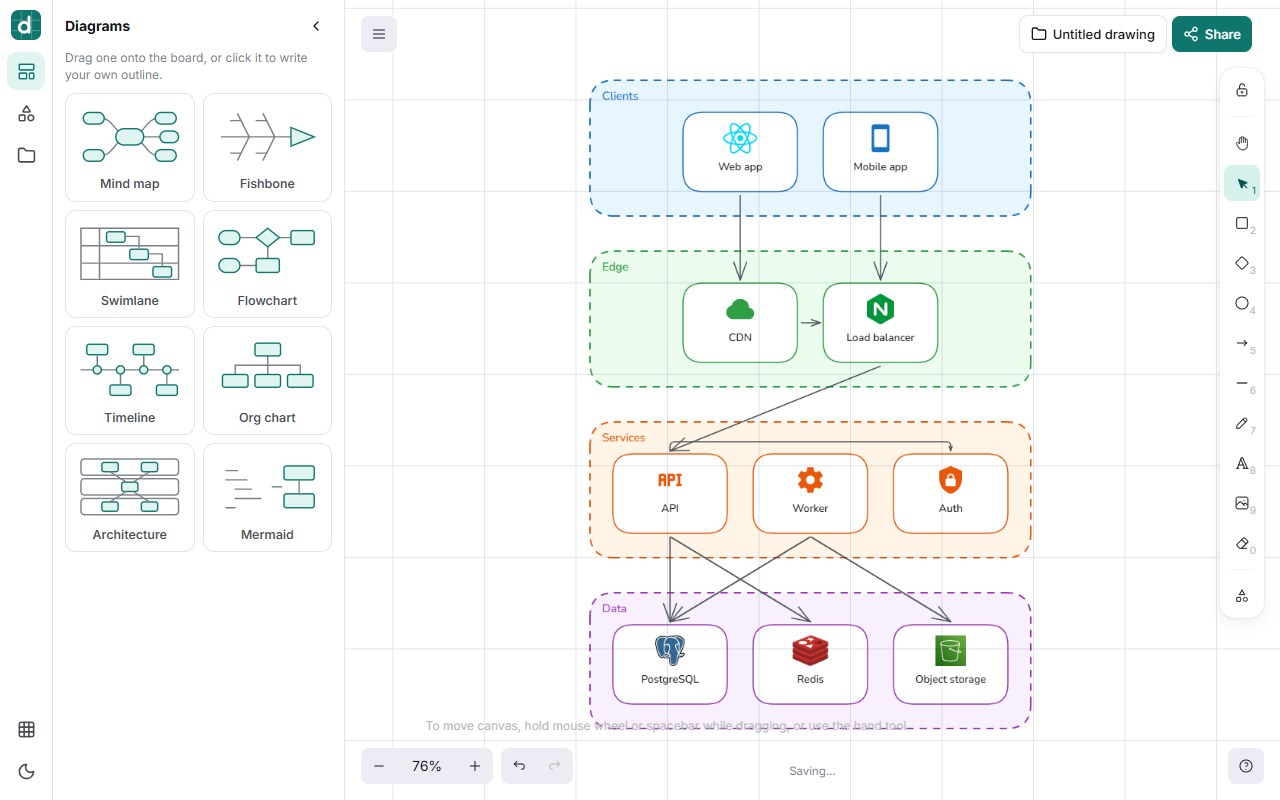
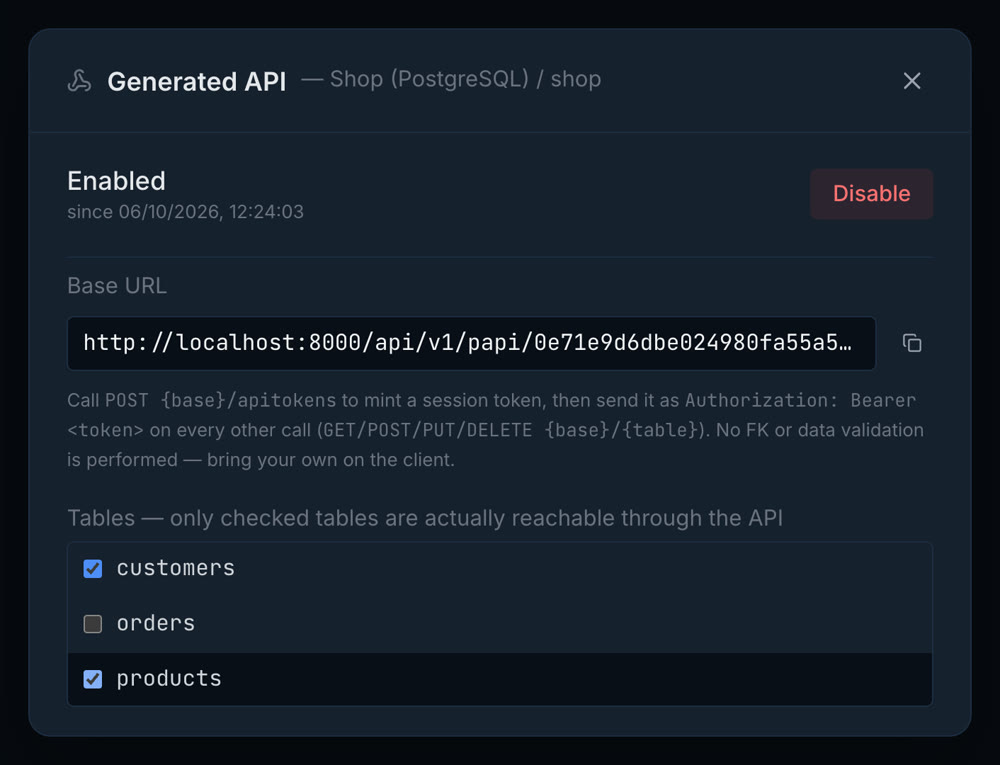
Turn your tables into a REST API
Your mobile app or another service can read and write your data without you writing a backend. Pilotbase serves it from the server it runs on.
- 1Right-click a database and choose Enable API.
- 2Tick the tables your app may use. The rest stay private.
- 3Mint a token, then list, read, create, update and soft-delete rows over REST.
PostgreSQL, MySQL, MariaDB, SQL Server and MongoDB. Runs in the Docker version on your server. It is not in the desktop app, which only listens on your own computer.
Useful from the first query.
There are plenty of tools to pick from. Here is what Pilotbase does for you, so you can try it right now.
- 1
Use every tool, no account
Guests can run every data tool with no sign-up. Open one, paste your SQL or drop a file, and see the result.
- 2
Your data stays on your machine
The SQL and file tools work in your browser and do not upload what you paste. Only SQL translation and uptime checks use our server.
- 3
Come back to your work
Sign in and every tool run is saved, so you can reopen a result or run it again later.
- 4
Know when a site goes down
Downtime alerts check your URL every 30 seconds and email you when it stops answering.
- 5
Read the code before you trust it
Pilotbase is open source under the MIT license. You can check what each tool does before you install anything.
You could build this yourself. Running it is the hard part.
AI can write the code for you. The ongoing work is maintenance, security and knowing where your data moves.
Maintenance never stops
Every database version, driver and bug fix needs a new release. Pilotbase ships them, so you install once and stay current.
Know where your data goes
Except SQL translation, the data tools run in your browser, so what you paste stays on your machine. Accounts, saved history and monitors are stored on our servers.
Outsourcing the ops is the benefit
You can build a query tool or an uptime checker with AI in a weekend. Keeping it secure, updated and running for years is the work. That is what you get here.